Less retyping. More time for your work.
Saving files, copying customer details, updating your shop. We connect your tools so recurring work takes fewer manual steps.
Based in the Achterhoek. Direct contact with Aaron.
What can an integration do?
Invoice received? Already saved.
An invoice from your email goes straight into the right folder.
In your email
Your supplier
Your invoice
Your records
Invoices
Saved
No need to download the attachment and save it yourself.
You decide which emails and attachments the integration can save.
Fictional example. No files are saved here.
Think big. Start small.
- One recurring process
- One or two integrations
- You stay in control
Sound like your working day?
Your systems work. Let’s connect them.
Between your tools, you’re often the one copying information. We build a working connection between them.
From enquiry to quote.
- Enquiry form
- Customer record
- Draft quote
Your form details go where they belong. A draft quote is prepared using the rules we agree on.
You check the content and price before sending.
From file to shop.
- Supplier file
- Check product data
- Online shop
Import and check products, stock and specifications. Missing details or unexpected changes are set aside for review.
You review exceptions before publishing.
From order to project.
- New order
- Create project
- Folders and documents
Order approved? Project details, folders and documents can be prepared for a smooth start.
You check the details and schedule.
These are examples. What’s possible depends on your systems and the integrations available.
What do you get?
One process. Properly connected.
We start with the work that keeps coming back. A clearly defined brief and a solution you can actually use.
A working connection
One process with one or two integrations. You know which data goes where before we start.
Checks in the right places
We agree on what can run automatically and when your approval is needed.
A plan for exceptions
Missing information or an unavailable system? We define what happens and who takes action.
Guidance and handover
You know how it works, what to look out for and who maintains it.
We agree on what to compare before and after. For example:
- Time per enquiry
- Missing information
- Corrections needed
How we work
Your working day comes first.
You don’t need to reorganise your business. We start with how you work. You speak directly with Aaron, who also builds the integration.
Discuss your processShow us what you do today
We discuss your recurring tasks and the tools you use. Together, we choose a suitable first process.
A clear quote first
You receive the scope, boundaries and costs upfront. If a paid feasibility check is needed, we agree on it separately before starting.
Build after approval
We map out the process, checks and exceptions. Then we build the agreed integration and test it together.
Handover and next steps
You get guidance and we agree on maintenance. Once the first step works well, we can discuss whether another step makes sense.
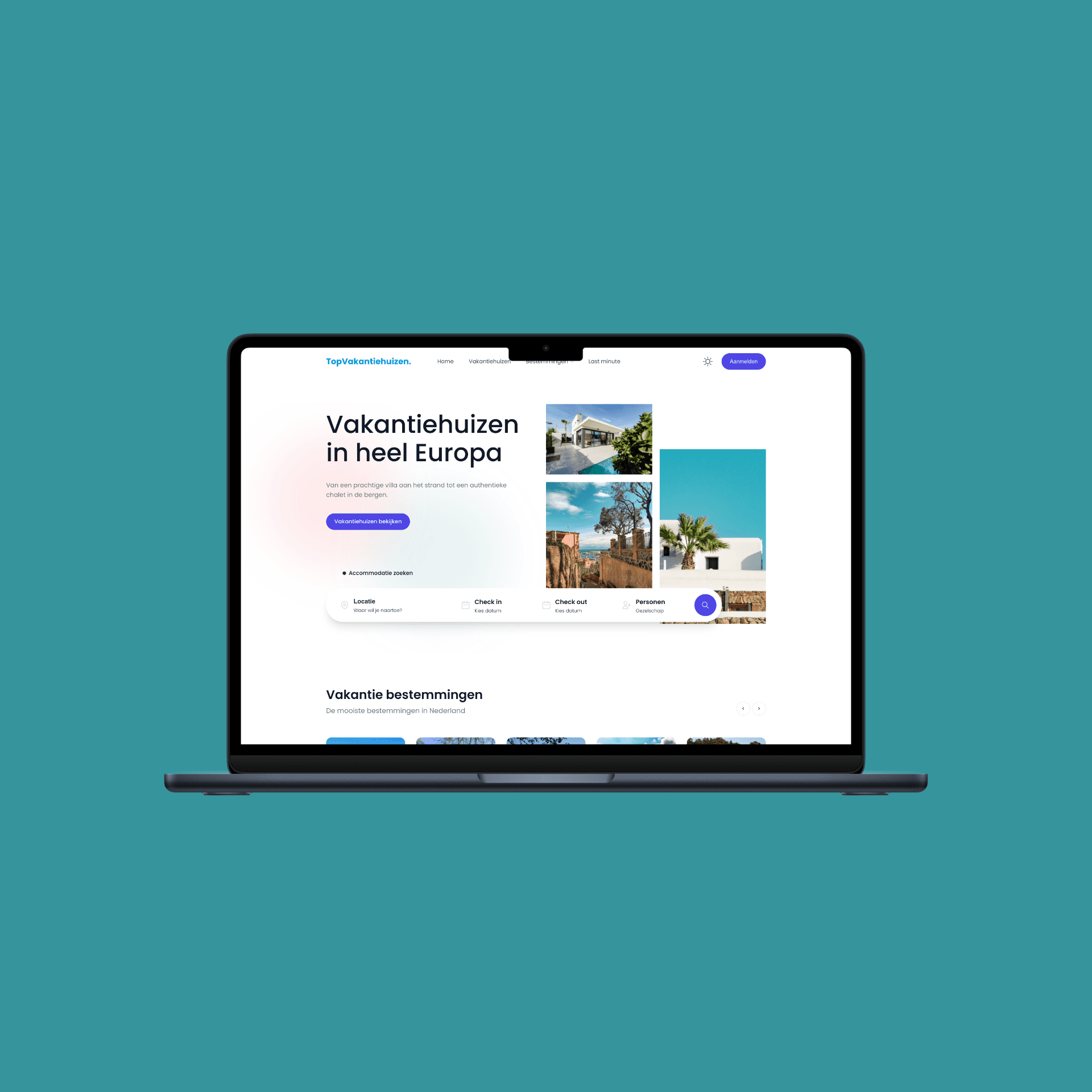 Our own project
Experience with external data
Bringing data together. In practice.
For our own platform TopVakantiehuizen, we bring data from external sources together. We apply that experience with data flows and synchronisation when connecting your systems.
Explore TopVakantiehuizenWhat about AI?
Useful where it makes sense.
Summarising an enquiry or drafting some text? AI can help. For fixed data and clear rules, a regular integration is often enough. We choose what your process needs.
More about AI solutionsAfter the handover
Integrations need ongoing care.
Software changes. That’s why we agree on error notifications, maintenance and support. We also discuss any subscriptions and usage costs upfront, so you know what to expect.
Good to know
Straightforward answers.
Do I need to switch software?
We start with what you already use. Whether those systems can connect depends on available integrations, files and access permissions. We assess this within the agreed scope.
What does automation cost?
It depends on the systems, your data and the checks required. You receive a quote for a clearly defined project upfront. Any software, hosting or AI usage costs are listed separately.
What if a system is temporarily unavailable?
We test exceptions too and agree on what happens when something fails. That could mean a notification, a later retry or a manual check. The right solution depends on the process.
What happens to my customer data?
We define which data is needed, where it goes and who gets access. If we use AI, we agree on what information it may process and which outputs you review.
Personal contact. Short lines.
Which task can come off your list?
Tell us what you keep retyping, checking or moving between systems. We’ll discuss a first step that fits your business.